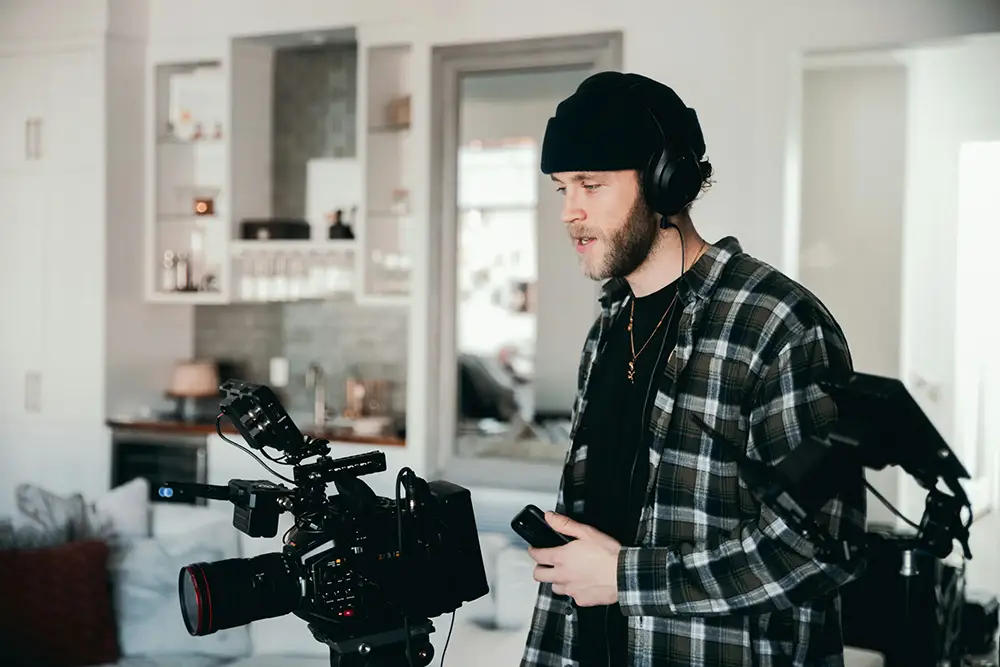

A talking head video is one of the most powerful and underused pieces of brand content. It humanises your company. It builds trust. It goes deeper than colours, logos and typography. But most brands get it wrong. Here’s how to shoot one properly.
Why Talking Head Content Works
Talking head videos perform well across LinkedIn, Instagram, YouTube and paid social because they feel human.
People trust people.
Seeing a real face explain something in their own words builds credibility far faster than polished brand graphics ever will.
But the key word is real.
Work With Non-Talent, Not Actors
Most of the time you will not be working with professional on-camera talent.
You will be filming founders, marketers, product managers, or internal team members.
That means they are stepping into an uncomfortable environment.
Your job is to make it safe.
I always prepare interview questions a few days in advance and share them ahead of time. This gives your subject space to think about their answers without memorising a script.
Legal teams often want to review questions in advance. That’s fine. Be clear that the subject will respond in their own words, and offer to share the final edit before publishing.
Transparency avoids tension.
Avoid Verbatim Scripts at All Costs
This is the most important rule.
No word-for-word scripts.
The moment someone starts reading lines, they stumble. Once they stumble, confidence drops. Then you enter a loop of retakes and frustration.
It is very hard to recover once someone gets stuck in that spiral.
Instead, ask questions and let them answer naturally.
If there is a critical line from legal or a key brand message that must be exact, save it until the end of the session. Expect a few takes. Let them read it from a laptop if needed. Paper near a microphone is louder than you think.
Most importantly, reassure them.
Small pauses are normal. Slight stumbles are human. Encouragement keeps performance natural.
Control the Environment
Keep the crew minimal.
Choose a space you can close off. Avoid people walking through the background. Remove distractions.
Your subject is constantly scanning for feedback. Give positive reinforcement. Calm energy behind the camera equals calm energy on camera.
Camera Orientation: Portrait or Landscape?
If you have a proper camera, shoot in landscape.
Even if the final output will be portrait, it is far easier to crop from landscape to portrait than the other way around.
Frame with portrait delivery in mind, leaving safe space around your subject.
If you are filming only for TikTok, Instagram Reels or YouTube Shorts using a phone, then shoot portrait. Just understand you are locking in that format.
One cultural note worth remembering: when working with Māori talent or culturally sensitive contexts, avoid cropping tightly into the temple or head area. Respect framing and presence.
Use the 50:50 B-Roll Rule
This is where amateur shoots become professional.
Spend roughly half your time capturing B-roll.
B-roll includes:
• Close-ups of hands
• Working moments
• Coffee being made
• Meetings
• Environment details
• Slow motion movement
B-roll allows you to edit cleanly.
Instead of jump-cutting your A-roll and breaking rhythm, you can layer B-roll over audio and create a smooth narrative.
You hear the story.
You see supporting visuals.
It feels intentional. Not improvised.
Editing: Tools That Work
If you’re starting fresh, I recommend DaVinci Resolve.
The free version is extremely powerful and industry-grade. The paid version is a one-time purchase, not a recurring subscription.
If your team already uses Adobe Creative Cloud, Premiere Pro remains the industry standard. It still works well, even if the interface feels dated compared to newer tools.
The software matters less than the structure.
Edit to Music
Music defines pacing.
Choose your track early and edit to it.
If you need licensed music, platforms like Artlist offer strong options for commercial use.
AI music tools like Suno can generate tracks quickly, but always check licensing terms carefully before using generated music in commercial advertising. Usage rights can change depending on subscription tier and commercial intent.
Music is subjective. If you need to swap tracks later, match the BPM and structure, and your edit should hold together.
Final Checklist for a High-Performing Talking Head Video
• No verbatim scripts
• Share questions in advance
• Keep the room calm
• Shoot landscape when possible
• Capture 50% B-roll
• Edit to music
• Encourage natural delivery
Talking head content does not need a massive budget.
It needs clarity, comfort and structure.
If done well, it becomes one of the highest trust-building assets your brand can produce.